
The AEO Content Brief: A Template for Useful, Citable Pages
Create stronger AEO content briefs with buyer intent, claim-level evidence, useful examples, page structure, and a practical editorial review checklist.


An AEO content brief should tell a writer which question to resolve, which evidence to use, and what a reader should be able to do afterward. It should also make the page easy to understand when a paragraph is read outside its original context.
That is a more useful starting point than prescribing a keyword density or adding a question mark to every heading. Clear formatting can help a reader navigate an answer. It cannot make an unsupported claim reliable.
Use the template below for a new page or an update to an existing one. It works especially well for product comparisons, buying guides, implementation questions, and service explanations.
The same brief doubles as a handoff document. If selected questions are part of a managed AEO engagement with AEOFAST, share it to specify the intended audience, accurate brand description, supporting pages, and the answer evidence you expect to review. Agree on who can approve changes to the client’s claims.
Start with one decision, not a broad topic
“Write about project management” leaves too many decisions to the writer. “Help a five-person agency decide whether contractors need paid seats” creates a specific editorial job.
Before commissioning anything, complete this sentence:
After reading this page, a person in [situation] can decide [decision] using [evidence], while understanding [important limitation].
For our fictional agency software example, that becomes:
After reading this page, an agency owner can estimate the cost of inviting three contractors using the current seat rules and a worked invoice example, while understanding which permissions require a paid account.
The example is illustrative, not a claim about a real product. On an actual product page, a product or billing owner must verify every rule.
If the sentence needs six unrelated decisions, split the assignment or turn it into a hub with supporting pages. Our buyer-question research guide explains how to group questions before assigning URLs.
Copy this AEO content brief
| Field | What to put in the brief |
|---|---|
| Reader and situation | Role, constraints, knowledge level, and trigger for the question |
| Primary question | The exact decision the page must resolve |
| Related questions | Follow-ups that genuinely belong in the same answer |
| Existing destination | Current URL to update, or why a new URL is needed |
| Short answer | A provisional answer for the subject expert to verify |
| Evidence needed | Product documentation, named expert input, original data, or official source |
| Claims to avoid | Unsupported promises, invented statistics, outdated comparisons |
| Worked example | Inputs, calculation or steps, output, and assumptions |
| Important exceptions | Cases where the advice or product is unsuitable |
| Page structure | Headings in the order a reader makes the decision |
| Non-commodity angle | The first-hand experience, data, or test only your team can provide |
| Quotable evidence | A sourced statistic, a named expert quote, or a dated test result |
| Original visuals | Screenshots, diagrams, or photos that show the answer rather than decorate it |
| Next action | A relevant task, template, related guide, or product step |
| Review owner | Person accountable for factual accuracy |
| Maintenance trigger | Product change, policy revision, new dataset, or scheduled check |
| Metadata to review | Title, meta description, structured data, and image alt text |
| Who and how | Visible author, expert reviewer, and how the page was produced |
Keep research questions separate from verified facts. Mark an unresolved item “needs confirmation” in the brief instead of letting it quietly become a sentence in the draft.
Add a non-commodity angle the brief can defend
Google’s guide to optimizing for generative AI search draws a useful line between commodity and non-commodity content. Its example of commodity content is “7 Tips for First-Time Homebuyers”: common knowledge that anyone could write. Its example of non-commodity content is “Why We Waived the Inspection & Saved Money: A Look Inside the Sewer Line”, an experienced take that goes beyond the ordinary.
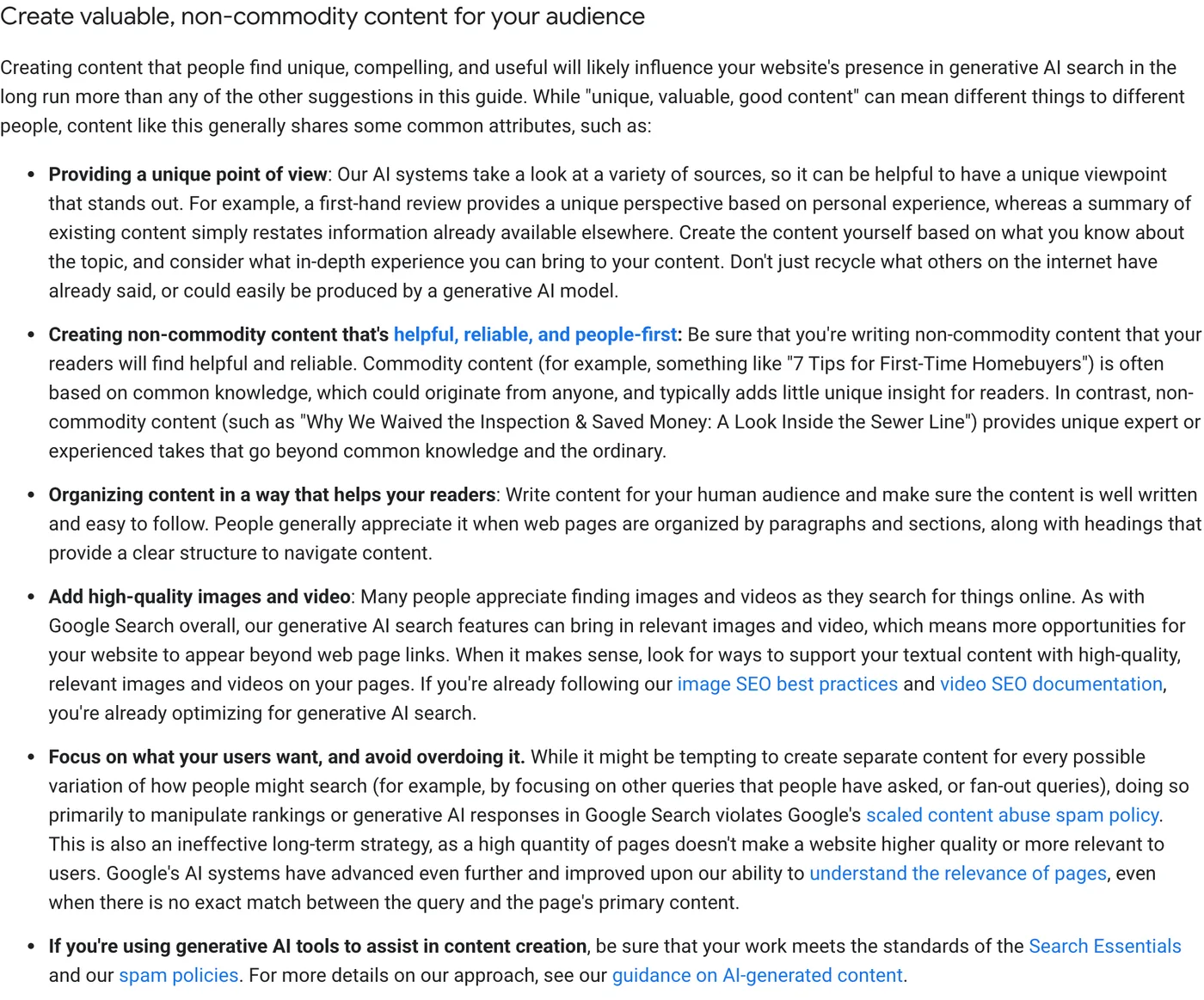
Put that distinction into the brief as a required field. Ask: what can this page show that a summary of the top ten results cannot? Typical answers include a tested workflow with screenshots, a cost calculation from real invoices, a support pattern your team sees every week, or a candid list of situations where your product is the wrong choice.
The GEO research paper points the same way from a different angle. In its experiments, adding citations, relevant quotations, and statistics made sources more visible in generated answers, while keyword stuffing did not help. A brief that asks for one sourced statistic and one attributable expert statement per major section produces content that is both more credible to readers and easier to cite. Our comparison of AEO, GEO, and SEO summarizes the paper’s limits.
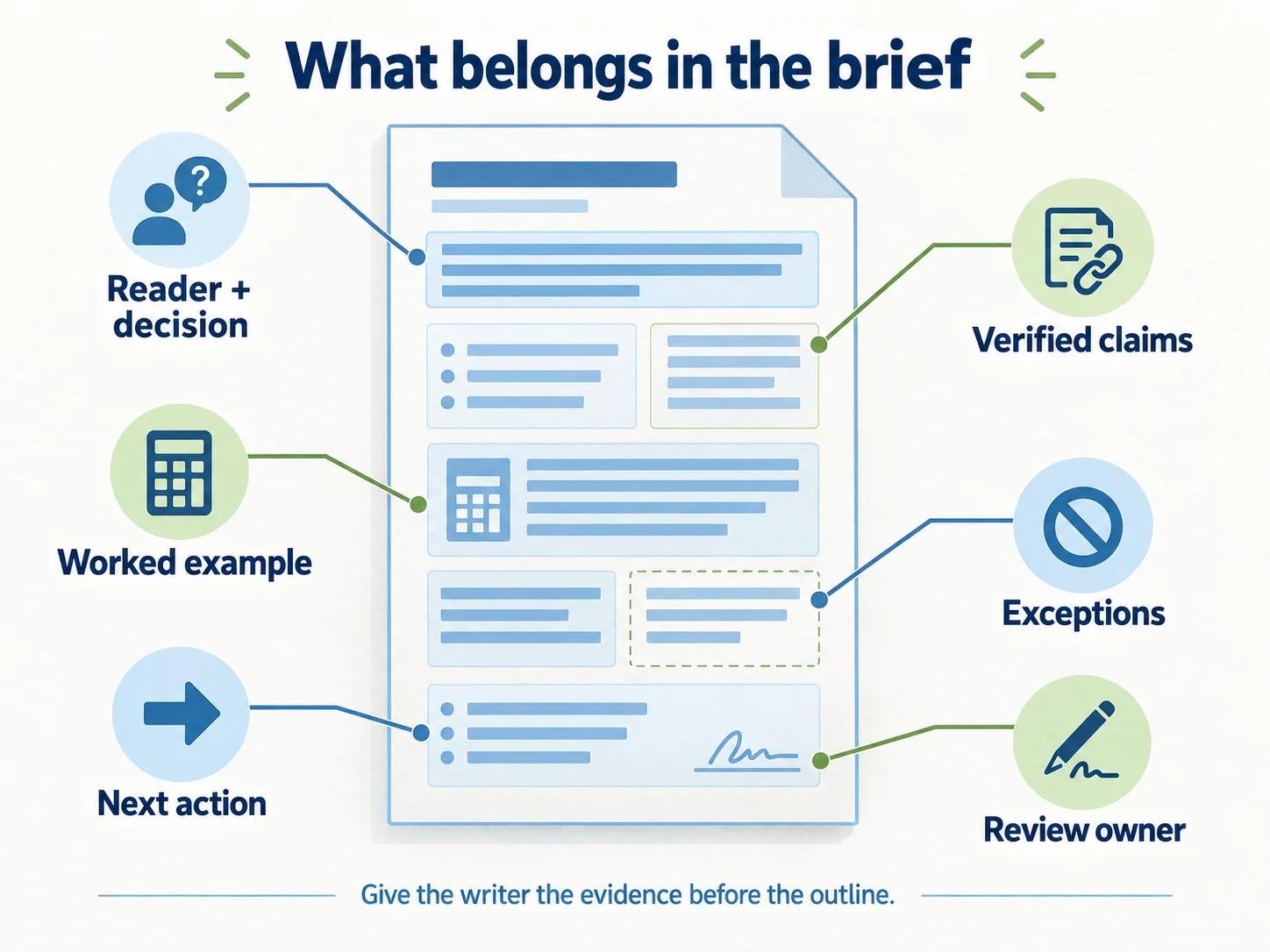
Build a claim-and-evidence table before the outline
Most weak content briefs specify headings first and ask for sources later. That process encourages the writer to find a citation that sounds compatible with an already written assertion.
Reverse the order for claims that could affect a buying decision.
| Proposed claim | Evidence required | Editorial treatment |
|---|---|---|
| Contractors can access assigned projects | Current permission documentation plus a checked account | Explain the exact access boundaries |
| Guest accounts reduce costs | Current pricing and an explicit scenario | Show arithmetic; do not generalize to every customer |
| Migration takes one afternoon | Timed migration evidence with scope | Remove unless the conditions and data are available |
| The tool meets a compliance standard | Current certification or official documentation | Name the scope and date; avoid broad assurances |
A claim can also be an opinion. “We prefer a single project owner” may be sound advice, but label it as a recommendation and explain the tradeoff. It does not need to masquerade as a universal rule.
For third-party sources, link to the page that supports the particular statement. A homepage link does not substantiate a detailed claim about a feature, policy, or experiment.
Write an answer that survives quotation
An extractable answer is useful even if no AI system ever quotes it. Readers scan, share excerpts, and arrive at individual sections from search.
Consider this weak opening:
Yes, you can do that with the right settings. It is a great way to save time and improve collaboration.
Now compare a fictional product answer:
In this example, guest accounts can view and comment on assigned projects, but they cannot create projects or view billing. Use a paid account when a contractor needs either of those permissions.
The second version names the subject, states the boundary, and gives a decision rule. It does not depend on a previous paragraph to make sense.
Do not force every answer into a fixed word count. A definition may need two sentences. A refund policy may need conditions, exceptions, and a link to the governing terms. The brief should demand completeness for the question, not an arbitrary paragraph length.
Give the writer an example with real inputs
“Include actionable advice” is too vague to guide production. Specify the artifact you want.
For the contractor-seat article, the brief could request:
- A permissions table with guest and paid-account capabilities.
- A cost calculation using a clearly labeled hypothetical price.
- An invitation checklist tested in a current account.
- An exception for contractors who manage their own projects.
- A link to the authoritative pricing and permission pages.
If the illustrative price is $20 per paid seat and three contractors need paid access, show 3 × $20 = $60 per month, then state which taxes, billing terms, or discounts the illustration excludes. Never make the sample price look like a current commercial offer.
A useful example exposes the assumptions that generic advice hides.
Put the evidence where the reader needs it
A sensible outline for this page would be:
- Direct answer about guest versus paid access.
- Permission comparison.
- Worked cost example.
- Steps to invite a contractor.
- Situations that require a different setup.
- Where to check current rules.
Avoid burying the answer below a long history of collaboration software. Likewise, avoid repeating the same conclusion in the introduction, every section, and a large FAQ block.
Use descriptive internal links to explain adjacent decisions. If a reader needs to understand account security, link to the security guide where permissions are discussed. Internal links should extend the answer instead of simply increasing the number of links on the page.
Use tools for production support, with human ownership
A content platform such as SurgeGraph can fit into topic research and content production. Give it the approved brief and evidence boundaries before generating or optimizing copy. A polished draft still needs someone to verify product behavior, examples, and source interpretation.
If selected questions are part of a managed AEO engagement, such as the service mentioned at the start of this guide, use the brief as the handoff document and keep claim approval with the client.
These are different jobs. Producing a page, improving its factual quality, and observing a brand in an AI answer should have separate completion criteria.
Review the draft using five concrete checks
Question check: Can a reviewer identify the primary answer without reading the entire article? Does the page answer the question promised by its title?
Evidence check: Can the reviewer trace each material fact to a source, a verified product test, or an explicitly labeled example?
Usefulness check: Can the reader make the promised decision? If the article says “compare the costs,” does it actually provide the inputs needed to compare them?
Boundary check: Does the page explain relevant exceptions? Have exaggerated words such as “always,” “guaranteed,” and “best” survived without justification?
Metadata check: Do the title, meta description, structured data, and image alt text match the verified page? Google’s guidance on generative AI content says its review requirement also applies to these elements, because they can appear in search results.
Access check: Is the published answer readable, linked from relevant pages, and technically accessible? Use our WordPress technical checklist for the publishing checks.
Show who made the page, how, and when
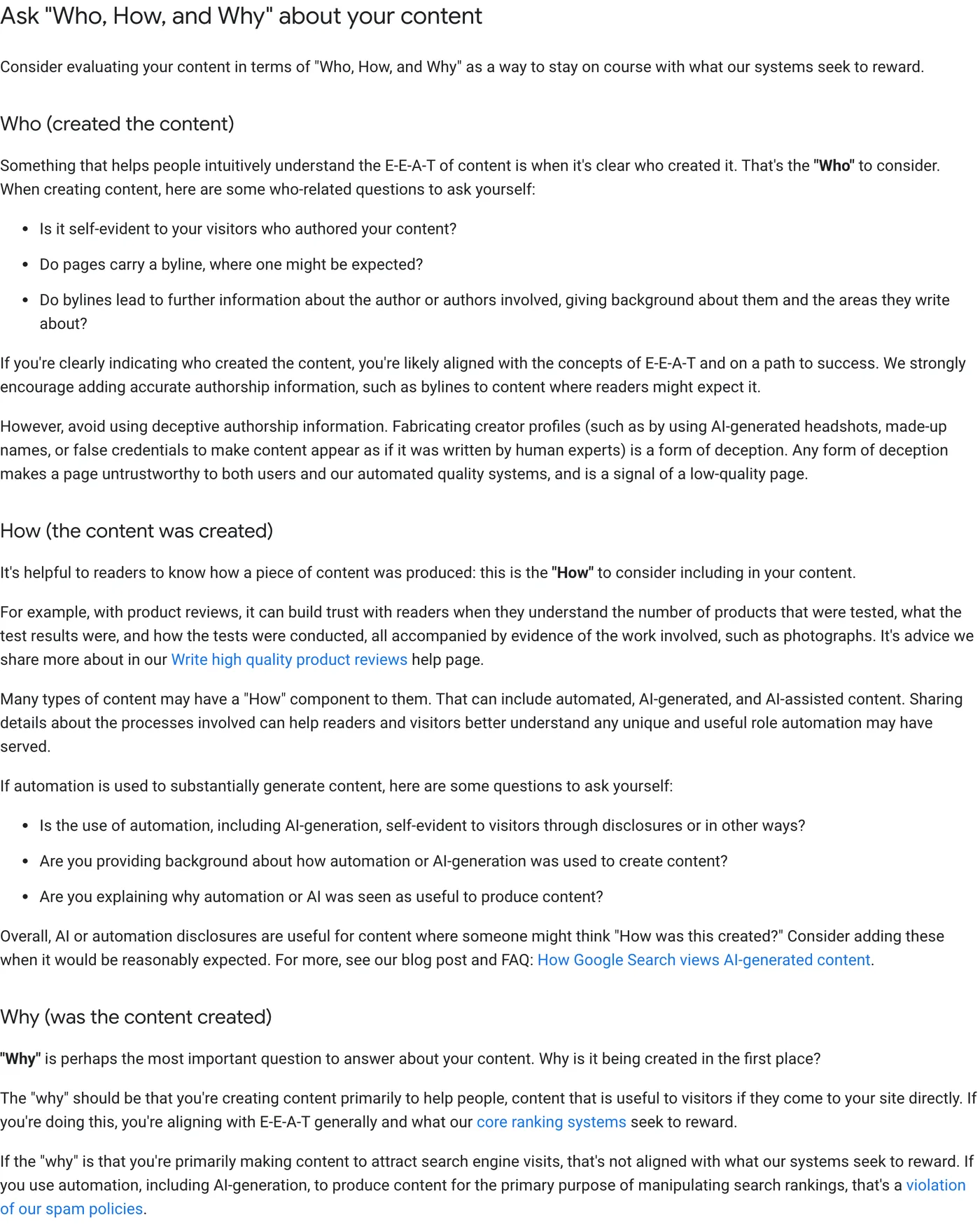
Google’s helpful content guidance suggests evaluating content by asking “Who, How, and Why”: who created it, how it was produced, and why it exists. Add those answers to the brief so they reach the published page:
- Who: a visible byline that leads to an author page, plus the subject expert who reviewed the facts.
- How: what was tested, which data was used, and, where readers would reasonably expect it, how automation or AI tools were involved.
- Why: the reader’s decision the page supports, not a keyword target.
Dates belong in the brief too. Google’s byline date documentation recommends a prominent, user-visible date labeled with text such as “Published” or “Last updated”, supported by datePublished and dateModified in Article or BlogPosting structured data. Google says its systems look at several factors to estimate when a page was published or significantly updated, so changing the date without changing the substance is a poor shortcut. Update dateModified when a verified fact or example actually changes.
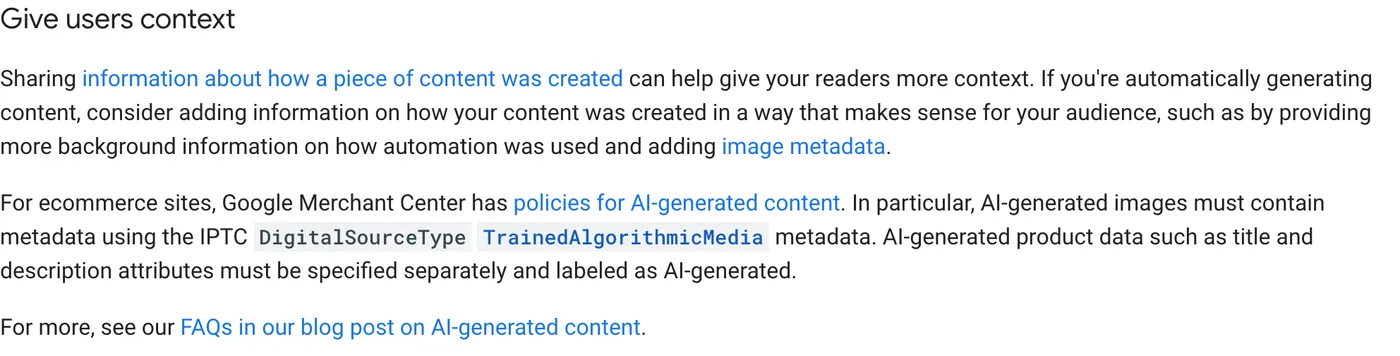
Two details from Google’s guidance on generative AI content are easy to miss. It suggests giving readers context on how automation was used when content is generated automatically. And for ecommerce, it notes that Merchant Center requires AI-generated images to carry the IPTC DigitalSourceType value TrainedAlgorithmicMedia in their metadata, with AI-generated product titles and descriptions labeled separately. If your brief covers product pages, add those requirements to the publishing checklist.
Keep the brief after publication
The brief is the page’s maintenance record. Record the publication URL, review date, evidence owner, and unresolved follow-up questions. When pricing or product behavior changes, that record tells an editor which claims to inspect.
Google’s guidance on generative AI content emphasizes accuracy, quality, and relevance. Treat those as review responsibilities, regardless of how the first draft was produced.
A strong brief does not promise citations. It gives your team a repeatable way to publish an answer that deserves a reader’s attention and can be checked when the underlying facts change.
Questions teams commonly ask
Should the brief set a word count?
Give a range for planning, not a target to hit. Google states that there is no ideal page length and no need to split content into tiny chunks for AI systems. The real requirement is that the page completely answers its decision, including exceptions.
Should the brief list keyword variations?
List the reader’s actual wording from research so the writer understands the question. Do not require every variation in the copy. Google notes that its AI systems understand synonyms and general meaning, so covering every long-tail phrasing is unnecessary.
Can an AI tool write the draft from this brief?
It can help, but the brief’s evidence fields exist precisely because generative models predict likely words rather than retrieving facts. Whoever drafts the page, a named reviewer must verify every claim, example, and metadata field before publication.
Keep reading
More Content Marketing
Turn Support Questions Into Helpful AEO and FAQ Content
Use recurring support questions to create accurate public FAQs and AEO content, with a triage rubric, answer template, privacy checks, and measurement.

AEO Keyword Research: Build a Buyer-Question Map
Turn search terms, sales objections, and support questions into an AEO research map with intent groups, priorities, and a reusable 30-question template.

How to Use Data and Analytics to Improve Your Content Writing
Content is king in today’s digital world, not just any form of content but quality content that resonates with the target audience.…